Choosing the right CRM SaaS is one of the most important decisions a growing business can make. A good system keeps all your customer information in one place, helps your team stay organized, and makes it easier to move deals from first contact to closed revenue. As sales cycles get more complex and expectations for fast communication rise, companies rely on cloud-based CRMs to track every interaction and give teams a single source of truth.
In this guide, you will learn what a CRM SaaS is, the features that matter most, the mistakes to avoid, and which tools are worth trying in 2026. Whether you are choosing your first CRM or replacing an outdated one, this breakdown will help you move forward with clarity and confidence.
What is a CRM SaaS and how does it work?
A CRM SaaS is a customer relationship management system delivered as cloud-based software. Instead of installing programs on individual computers, teams access the CRM through a browser. All customer data, communication history, pipelines, and activity logs are stored in the provider’s cloud environment. This makes the tool easier to set up, maintain, and scale as the business grows.
Here is the basic flow of how a CRM SaaS works:
- You sign up for an account and set up your workspace.
- Your team adds contacts, deals, tasks, and notes.
- The CRM tracks communication across email, calls, and meetings.
- Pipelines show where every opportunity sits at any moment.
- Reporting features help you understand performance across your team.
Because everything runs in the cloud, updates happen instantly and users can log in from anywhere. Sales teams get one organized source of truth, managers gain clearer visibility into pipelines, and small businesses avoid the cost and maintenance of traditional on-premises software.
Features to look for when choosing a CRM SaaS
Here are the key features worth paying attention to when evaluating a CRM SaaS. Each one affects daily work, team alignment, and how easily you can grow your system over time.
Contact and company management
A good CRM should keep all customer information in one place, including notes, emails, calls, files, and activity history. This makes it easier for sales and service teams to pick up any conversation without guessing what happened before.
Pipeline and deal tracking
Visual pipelines show exactly where every opportunity stands. You can move deals through stages, assign owners, and spot bottlenecks quickly. This helps managers forecast more accurately and catch stalled deals before they disappear.
Task and activity tracking
Reminders, follow ups, and scheduled actions keep deals moving forward. A CRM with clear activity timelines helps sales reps stay organized and reduces the number of forgotten conversations.
Integrations with your existing tools
Your CRM should connect smoothly with email, calendars, marketing tools, billing systems, and support platforms. This keeps data consistent and removes repetitive entry work.
Reporting and analytics
You need clear insights into sales performance, revenue trends, and team productivity. Look for dashboards that are easy to read, customizable, and useful in daily decision making.
Mobile access
A strong mobile app lets you update deals, check contacts, add notes, and manage tasks from anywhere. This matters for sales teams who spend a lot of time away from their desks.
Customization options
Every business has its own workflow. Your CRM should allow custom fields, pipelines, tags, and permissions so the system fits your process rather than forcing you into a rigid template.
The most common mistakes businesses make when choosing a CRM
Choosing a CRM often feels straightforward at first, but many teams run into the same traps once the system is live. Here are the most common mistakes, written in a way that keeps the section engaging and easy to skim.
Picking a tool based only on price
A cheap plan looks appealing, especially for smaller teams. The problem comes later when you realize you are missing essentials like reporting, integrations, or custom fields. A CRM that saves money upfront can cost more once you outgrow it and have to migrate.
Example: A consulting firm signs up for a low tier plan, only to discover that adding custom pipelines requires upgrading for the entire team. What started as a small subscription quickly becomes far more expensive than expected.
Ignoring how the CRM fits into daily workflows
A CRM should match how your team actually works. Many businesses choose tools with impressive feature lists but overlook whether those features fit real sales conversations and handoffs.
Watch out for:
- Pipelines that force too many stages
- Workflows that create extra steps rather than reducing them
- Fields your team never fills in because they do not match your process
When reps feel the system works against them, adoption drops.
Not testing mobile performance
A CRM can look great on desktop but become frustrating on a phone. Any team that works on the go needs an app that loads quickly, works offline, and makes updating notes painless.
Quick test: Add a contact, update a deal, and log a call from the mobile app. If it takes more than a few seconds or feels clunky, that is a sign to reconsider.
Overestimating your team’s appetite for complexity
More features are not automatically better. Some platforms offer very advanced automation, scoring rules, and workflows that look impressive in demos but overwhelm smaller teams.
Common outcome: The CRM becomes a storage space instead of a daily tool because users avoid the complicated parts.
Forgetting about future integrations
A CRM should connect with tools you use today, but also the ones you plan to add next year. Many businesses only check email and calendar integrations, then discover they need connections to invoicing, marketing, or support tools later.
Simple guideline: If you think you will need it in the next 12 to 18 months, check integration options before committing.
Skipping team input
Managers often pick CRMs without asking the people who will use them every day. This leads to misalignment, low adoption, and extra admin work.
Better approach: Let a few team members test the CRM with real tasks during the trial. Their feedback will reveal issues managers may not notice.
Not planning for data migration
Moving contacts, companies, and notes can be messy. Businesses often underestimate how long migration takes or how many fields need mapping.
Tip: Before choosing a CRM, export a sample of your current data and see how smoothly it imports into the new system.
The best CRMs in the market in 2026
Here are seven CRM SaaS platforms worth trying in 2026, each suited to different business sizes and workflows.
HubSpot CRM
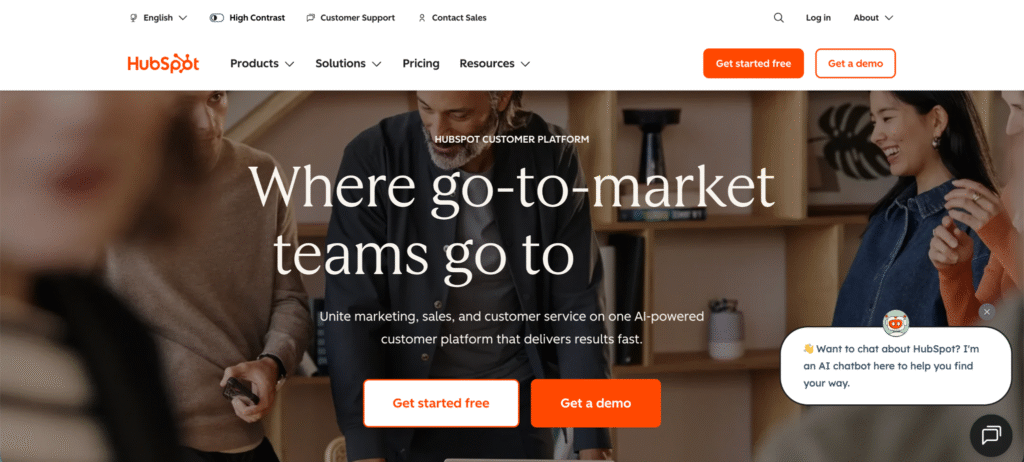
Who it’s for: Startups and small to mid-sized businesses that want marketing, sales, and service in one place.
Top features: Free-forever plan covering contact management, deal pipelines, activity tracking, and a mobile app. Seamless integrations (1,900+ apps) make it easy to tie into existing tools. AI assistants generate content, summarize records, and automate repetitive tasks.
Other details: Free tier gives real value and you can upgrade when growth demands more automation and customization.
Pipedrive
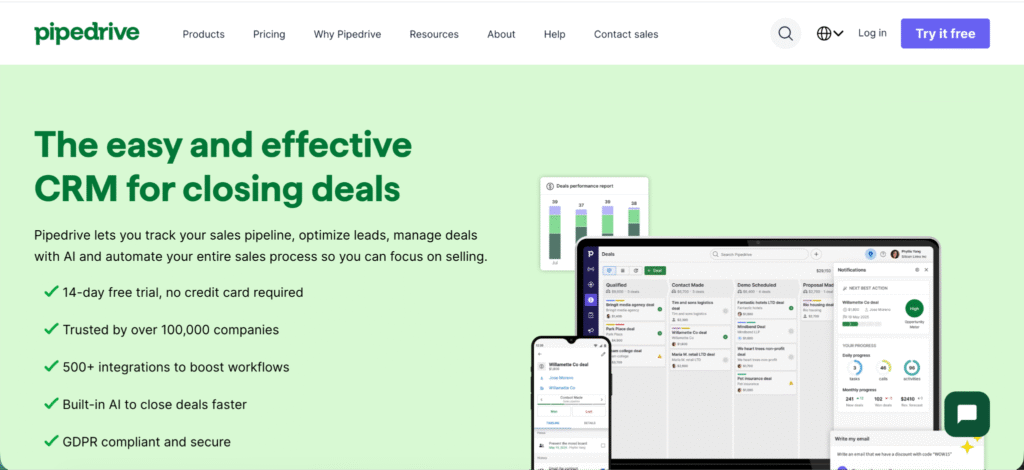
Who it’s for: Sales-led teams in small to mid-sized companies that care most about pipeline velocity.
Top features: Visual drag-and-drop pipeline view, built-in email and call tracking, AI sales assistant that highlights at-risk deals, and robust integrations (350+ apps). Folk.app+1
Other details: Offers a fast onboarding experience, minimal overhead. Less ideal if you need heavy marketing automation or enterprise-grade workflow control.
Zoho CRM
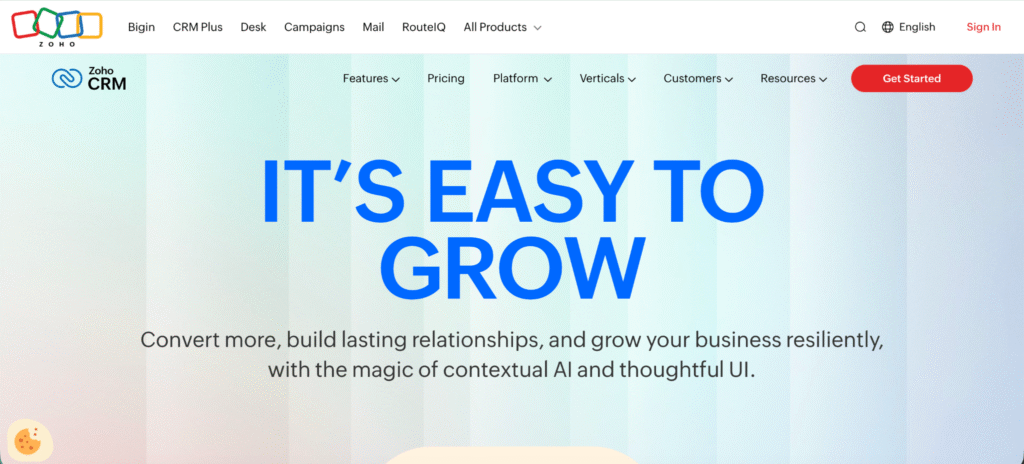
Who it’s for: Small and medium businesses looking for full CRM functionality at an affordable price and who may already use the Zoho ecosystem.
Top features: Contact/lead/opportunity tracking, usage of AI assistant “Zia” for deal insights, strong customization of fields, pipelines, and modules.
Other details: Great value for money. Should consider if your business uses other Zoho apps (accounting, helpdesk, etc.) to get full benefit.
Salesforce Sales Cloud
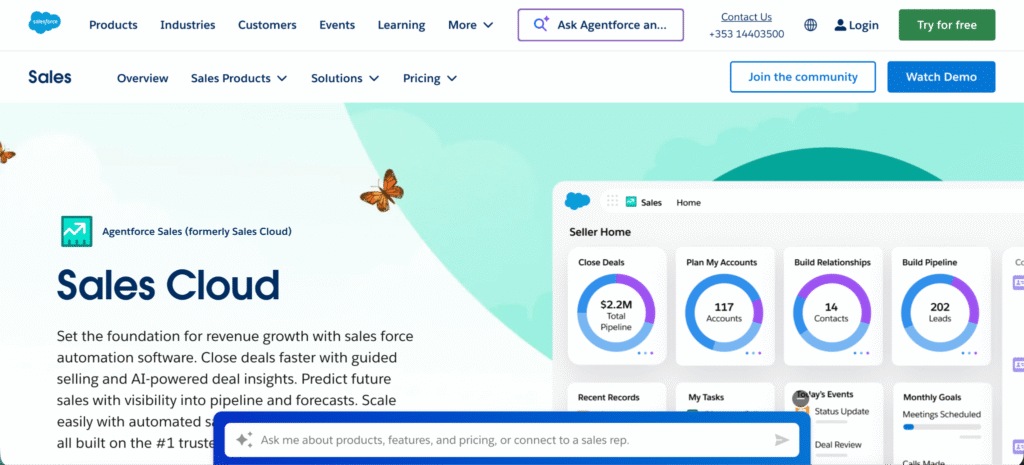
Who it’s for: Enterprise teams with complex processes, multiple sales teams, global operations, and high customization needs.
Top features: Highly configurable objects, workflows and automation, robust AI layer (Einstein), strong ecosystem of apps.
Other details: Implementation time and cost will be higher. If you’re small and simple, this might be overkill.
Microsoft Dynamics 365
Who it’s for: Organizations already embedded in the Microsoft stack (Office 365, Azure) who want CRM plus other business-apps in one suite.
Top features: Sales, service and marketing modules, strong integration with MS tools (Outlook, Power BI), solid global deployment.
Other details: Offers strategic alignment for enterprises; smaller teams may find it heavier than necessary.
Freshworks CRM
Who it’s for: Smaller businesses looking for a budget-friendly CRM that is quick to set up and covers both sales and service needs.
Top features: Multi-product suite (sales, support, marketing), intuitive UI, migrations from competitors, decent free/low-cost tiers.
Other details: Customization and advanced enterprise features are less deep compared with market-leaders, but setup and cost are strong wins.
SuiteCRM
Who it’s for: Teams that prefer open source or self-hosted deployment, need full control over data and workflows, and have technical resources.
Top features: Sales, marketing, support modules fully customizable, strong in on-premise or private-cloud setups.
Other details: Good if avoiding vendor lock-in and you have inhouse tech; may require more upkeep than SaaS alternatives.
Wrapping up
Choosing the right CRM SaaS can shape how smoothly your business grows, how well your team stays organized, and how consistently you close deals. The best systems give you one place to manage contacts, track conversations, monitor pipelines, and understand what is happening across your sales process in real time. But the real value comes from choosing a tool that fits how your team already works instead of forcing you into unnecessary complexity.
As long as you focus on the features that matter most, avoid the common buying mistakes, and test each CRM with real workflows, you will end up with a setup that supports your day-to-day work instead of slowing it down. The tools listed above all shine in different ways, so match your choice to your team size, your growth plans, and your need for customization.
With the right CRM in place, your business gets clearer visibility, stronger customer relationships, and a system that grows with you into 2026 and beyond.
Frequently asked questions
What makes a CRM SaaS different from traditional CRM software?
A CRM SaaS runs entirely in the cloud, so you access it through a browser. There is no installation, no server upkeep, and no hardware to manage. Updates happen automatically and the tool scales as your team grows.
Do small businesses really need a CRM?
Yes. Even small teams benefit from having contacts, emails, notes, and deals organized in one place. It reduces guesswork, improves follow ups, and helps avoid missed opportunities.
How much does a CRM SaaS usually cost?
Prices vary by feature set. Many tools offer a free plan with basic contact and pipeline features, while paid tiers start at around ten to thirty dollars per user per month. Advanced automation, reporting, and integrations usually appear in higher tiers.
What is the biggest sign you need to switch CRMs?
If your team avoids using the CRM, spends too much time entering data, or keeps information in spreadsheets, that is a strong sign your system no longer fits your workflow.

